husonlab apps for iPhone and iPad
SplitsTree, PhyloSketch, CatReNet and PhyloParallelograms as native iOS apps
 CatReNet App
 analyzes (auto-)catalytic reaction networks. Input is a catalytic reaction system: a list of catalyzed reactions and a food set of molecules. The app computes maximal RAFs (reflexively autocatalytic and food-generated systems), CAFs and pseudo-RAFs, and several related constructs, with fast exact algorithms. It visualizes the reaction network and can animate the emergence of an autocatalytic subsystem.
Paper: Daniel H. Huson, Joana C. Xavier and Mike A. Steel. CatReNet: interactive analysis of (auto-) catalytic reaction networks. Bioinformatics 40(8), btae515 (2024). doi:10.1093/bioinformatics/btae515
Desktop program: github.com/husonlab/catrenet (GPL 3).
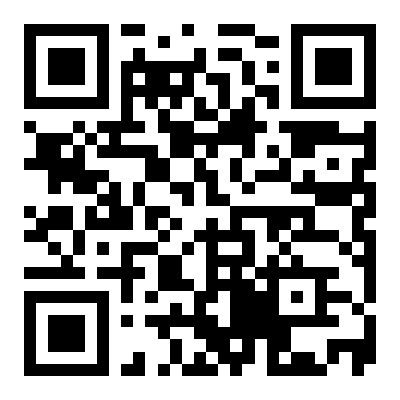
Beta testing: join through TestFlight at testflight.apple.com/join/uzWuC2ju, or scan the code below with your iPhone or iPad. The App Store release follows.
Working with files
Documents are kept in the app’s own folder on the device. The files tab of the app lists them, and the same folder is visible in the Files app under On My iPhone (or On My iPad), where files can be copied, renamed or moved to iCloud Drive. To bring a file into the app, share it from another app, from Mail or from Files and choose the app, or copy its text and use Import > Paste into new file in the files tab. To get data out, use Export in the files tab or the export items in the document itself: they open the system share sheet, from which files and images can be saved, sent or copied.
Support
Questions and bug reports: see the support page. Privacy: the app does not collect any data, see the privacy policy. The third-party software included in the app and its licenses are listed on the licenses page and in the app’s About pane in the files tab.